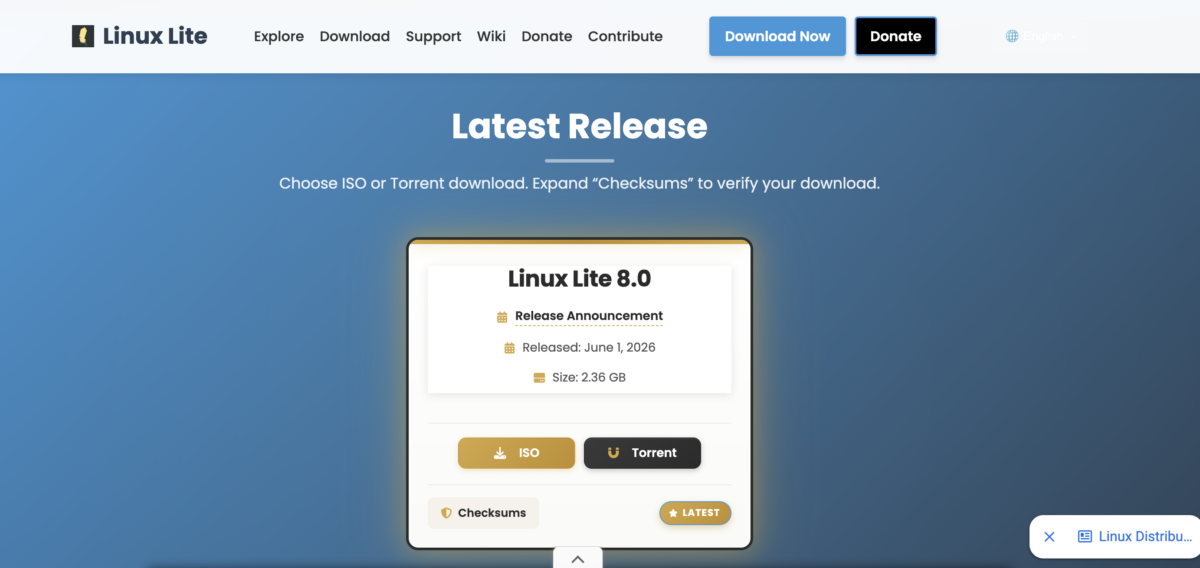
Linux Lite 8.0 has been released. The new version is based on Ubuntu 26.04 Resolute Raccoon and comes with Xfce 4.20 as its desktop environment.
Following its usual pattern, Linux Lite's major updates are tied to new Ubuntu LTS releases, with version 8 arriving about two years after Linux Lite 7.
Key changes include rewritten helper applications that now use GTK4, Firefox replacing Google Chrome as the default browser, and the Calamares installer replacing Canonical's Ubiquity.
The update also supports in-place upgrades from Linux Lite 7.x to 8.x. The new release has a download size roughly 410MB smaller than its predecessor.
Firefox Replaces Chrome, With Optional Local AI in Linux Lite 8.0
The default web browser has shifted from Google Chrome to Mozilla Firefox. Linux Lite hasn't provided an official reason, but the switch appears to be related to Google's quiet inclusion of a 4GB Gemini Nano model in Chrome and platform restrictions on uBlock Origin beginning in 2024.
Despite moving away from Chrome, Firefox now includes AI features by default through a new MyAI function. This tool offers a selection of local language models.
Linux Lite emphasizes that AI is a controversial topic and presents this feature as offering user choice rather than forcing AI functionalities on users.
\Those who prefer not to use MyAI can remove it with a few simple commands: open a terminal and run the necessary commands, then right-click the MyAI bookmark in Firefox's toolbar and select Delete Bookmark.
Helper Apps Rewritten in GTK4 and New Lite Terminal / Lite Software
Fifteen of Linux Lite's custom helper applications have been rewritten using GTK4, including a new Lite Terminal that replaces Xfce Terminal and a new Lite Software that takes the place of Synaptic. The switch to GTK4 introduces some interface changes.
Traditional menu bars are no longer supported, so the new helper apps now feature hamburger menus and place primary actions in the title bar.
Lite Terminal offers features such as predictive auto-complete and a title bar that turns light red when running with sudo. Lite Software has fewer sorting options compared to Synaptic, with package lists currently sortable only by name.
Other Notable Changes in Linux Lite 8.0
- Calamares now replaces Canonical's Ubiquity as the installer, though the release notes warn of potential issues on less powerful computers.
- An OEM installation mode is included, allowing users to create their own account on first boot.
- Version-to-version in-place upgrades are now supported, making it possible for Linux Lite 7.x users to upgrade directly to 8.x without performing a fresh install.
- A one-click Lite Game Center now installs Steam, Lutris, Proton, Wine, and game controller support in a single action.
- A junk file cleaner has been added.
- The system monitor has been replaced with btop, and a new Lite System Monitor app along with an improved About applet are included.
- The default search engine is now the project's own instance of SearXNG.
- A lower-latency kernel option is available for those who need it.
- Starship has been configured as the custom shell prompt for Bash. By default,
Snap and Flatpak remain excluded, consistent with previous Linux Lite releases.
Secure Boot Limitations, Performance, and Resource Use in Linux Lite 8.0
Linux Lite 8 does not support Secure Boot. Users need to disable Secure Boot in their firmware before installing. The project explains this choice as a way to keep the system simple and reliable, avoiding complications like MOK enrollment and shim issues that could cause problems after kernel updates.
A full installation of Linux Lite 8 requires about 7.8GB of disk space and uses roughly 897MB of RAM when idle after updates.
Immediately following installation, there are around 160 updates available, with about 40 more arriving after the first reboot.
Linux Lite 8.0 is now available for free download from the project's official website.
Thank you for being a Ghacks reader. The post Linux Lite 8.0 Released With Ubuntu 26.04 Base, GTK4 Helper Apps, and Firefox Replacing Chrome appeared first on gHacks.





0 Commentaires